

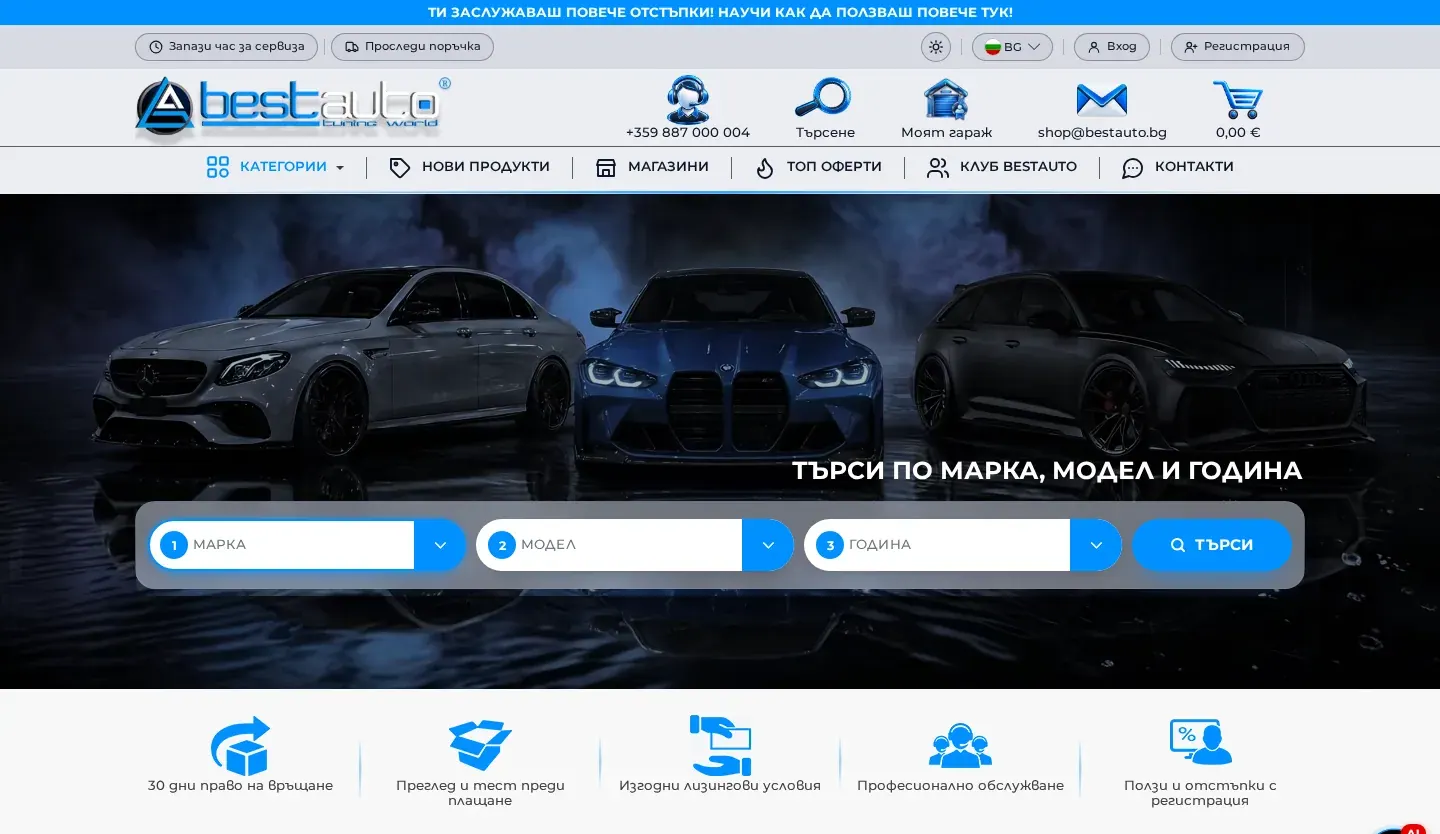
BestAuto
A PrestaShop store for tuning parts and car accessories, rebuilt with a full redesign and an upgrade to the latest version. Shoppers search by make, model and year, save their cars in My Garage and can ask an AI chat assistant.
Services
An online store where customers find what they want quickly and check out without unnecessary steps. It is built on WooCommerce and handed over with categories, filters, payments, delivery and the legal pages required by law.

Online Stores
01
A logical category structure and product pages with variations and attributes that work for shoppers and for Google.
Filters by brand, size, price or other attributes, so customers reach the right product in a few clicks.
The payment methods your customers expect, such as cash on delivery, bank transfer or card payments.
Shipping zones and rates, free delivery over a set order value and courier options.
Terms and conditions, privacy and cookie policies and returns information, linked into the checkout.
How to add products, process orders and change prices without outside help.
02
How many products you have, how they are organised, how customers pay and how they receive their orders.
Categories, attributes, filters and the customer's route from the home page to a completed order.
Store design, product pages, cart and checkout, all built on WooCommerce.
Adding or importing products, then configuring payments, shipping, emails and tax settings.
Test orders with every payment and delivery option, email checks, then go-live.
03
Tsvetelin Penkov works with an online store every day as E-Commerce and IT Administrator at BestAuto Bulgaria, dealing with products, orders and Google search.
You manage products, prices, stock and orders from the familiar WordPress dashboard.
Clean URLs, product structured data and categories shaped around what people actually search for.
Building an online store is more than adding a cart to a website. Shoppers need to find the product quickly, see the price, stock and delivery terms, and finish the order without giving up halfway. Every step that confuses them costs you sales.
Categories and attributes are planned before the visuals. If you sell car parts, customers search by make and model. If you sell cosmetics, they search by product type and brand. Well-organised categories also help in Google, because each one can rank for its own search. One example is autoport.bg, a WooCommerce car parts store with a full product catalogue.
How your customers pay and how they receive their orders is agreed at the planning stage. Cash on delivery, bank transfer and card payments are each set up differently, and delivery can be a flat rate, free over a certain order value or calculated by the courier. If you need deeper courier integrations, product feeds or marketplaces, see e-commerce solutions.
Stores are built on WooCommerce because it runs on WordPress, has no monthly platform subscription and can be extended as you grow. You manage products and orders from the same dashboard as the rest of your site.
A store needs updates, backups and monitoring, because orders and personal data pass through it. That is why it pays to plan for maintenance and, once traffic matters, SEO for your categories and products. You will find more examples in the portfolio, such as 4case.bg. Tell us about your product range through the project inquiry form.
A PrestaShop store for tuning parts and car accessories, rebuilt with a full redesign and an upgrade to the latest version. Shoppers search by make, model and year, save their cars in My Garage and can ask an AI chat assistant.
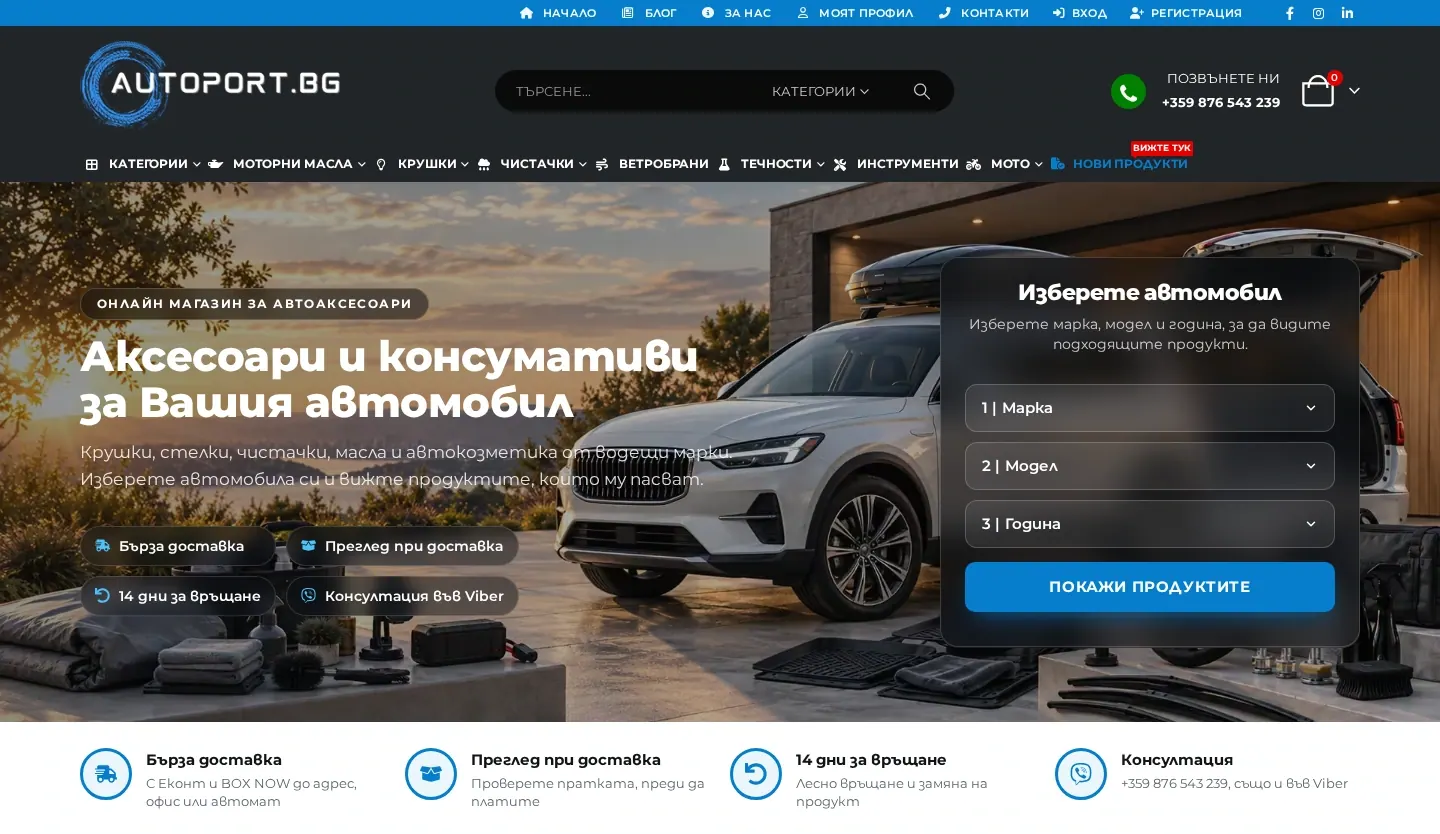
An online store for car accessories, including rubber and carpet mats, motor oils and additives, with product search by car make, model and year.
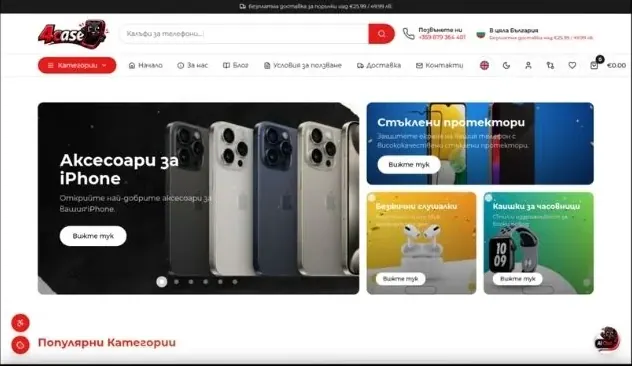
An online store for iPhone and smartphone accessories: cases, glass screen protectors and personalised products.
FAQ
WooCommerce, which runs on WordPress. That way products, orders and site content are all managed in one place.
Yes, as long as they are in a suitable format such as CSV or an Excel sheet. How much preparation is needed becomes clear once we see the file.
Most often cash on delivery, bank transfer and card payments through a payment provider. The choice depends on your business and your agreement with the provider.
The store comes with pages for terms, privacy, cookies and returns. It is wise to have a lawyer review their content for your specific business.
It depends on the number of products, the features, payment and delivery options and any integrations. The final price is set after reviewing your project.
Setting up, extending and tuning WooCommerce stores: products, variations, cart, checkout, orders and extensions.
Explore the serviceTechnical, on-page and local SEO plus content, with a clear plan and results you can track in Search Console.
Explore the serviceA new design or a redesign that keeps your key pages and URLs intact, so you do not lose visibility in Google.
Explore the serviceNext step
Tell us briefly what you need. You will get an email reply with a few clarifying questions and an indicative quote.